How to read with Beletria
Six screens, in the order you will meet them. The whole thing takes a minute to learn and a book to master.
- Step 1
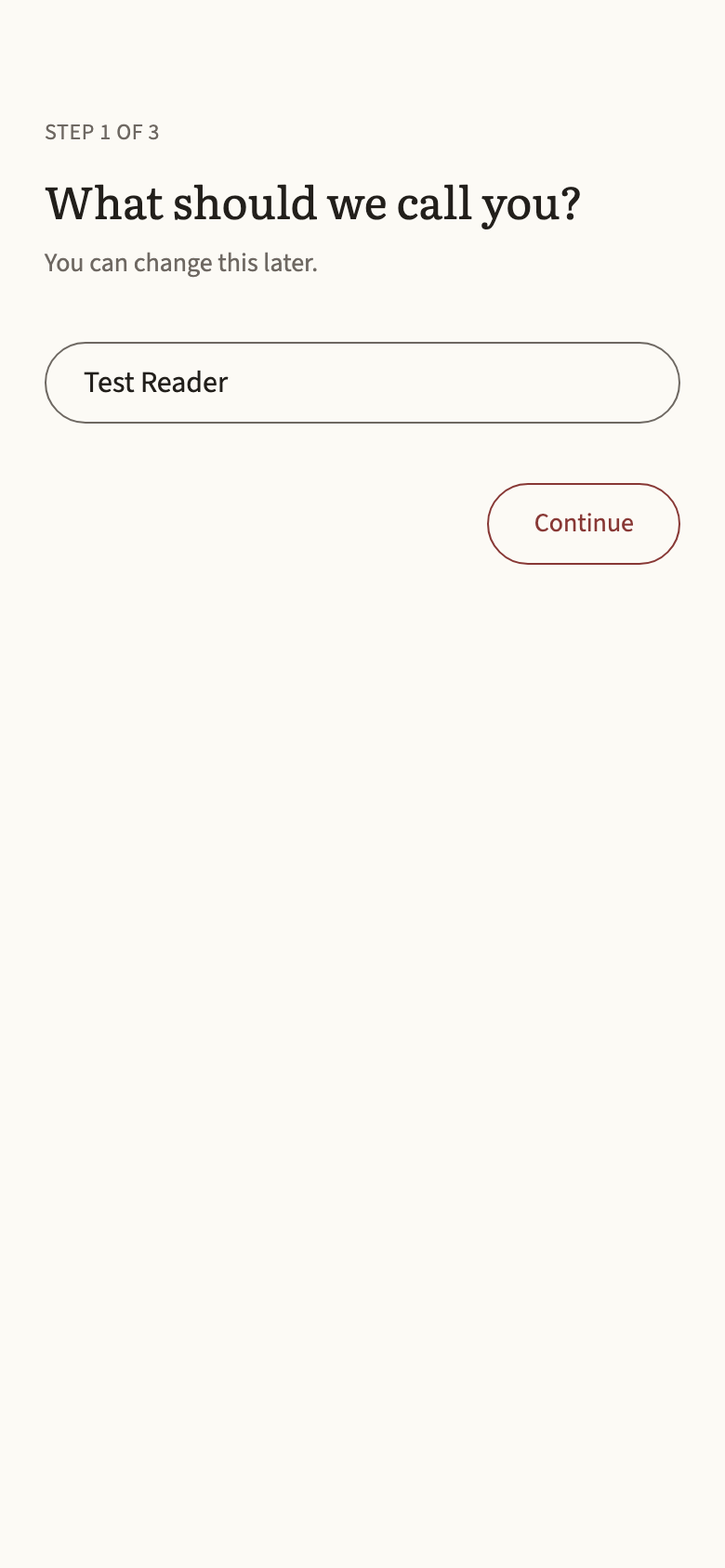
Sign in and say where you are
Sign in with Google. Beletria asks two things: which language you are reading, and roughly where you are, from beginner to comfortable. That is the whole setup.
The level shapes the shelf, nothing more. You can open any book at any time.
- Step 2
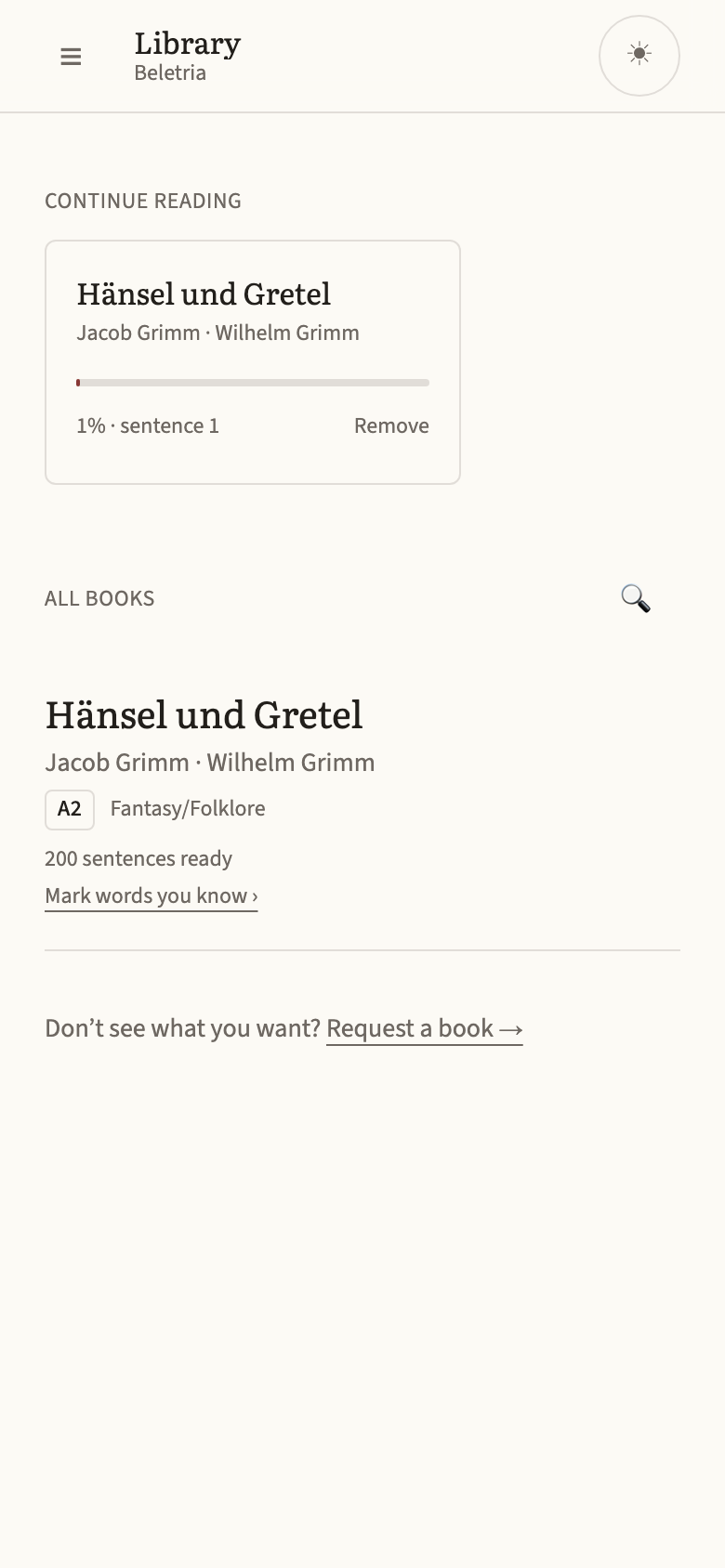
Choose a book from the shelf
Every book shows a difficulty from 1 to 5 and, once you have saved a few words, how much of its text you already know. Fairy tales sit at the easy end; Dumas and Verne at the other.
Books you have started move to the top so you can pick up where you left off.
- Step 3
Read one sentence at a time
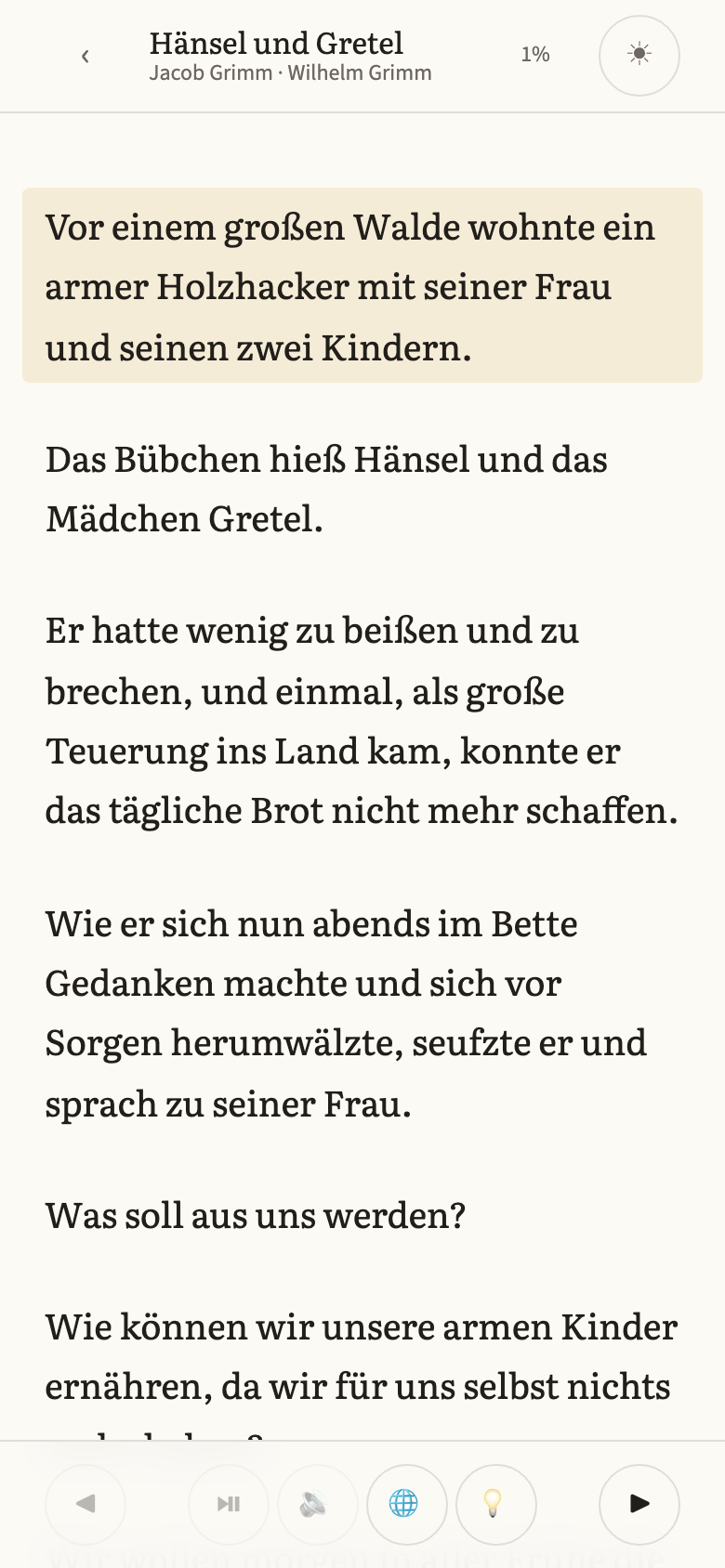
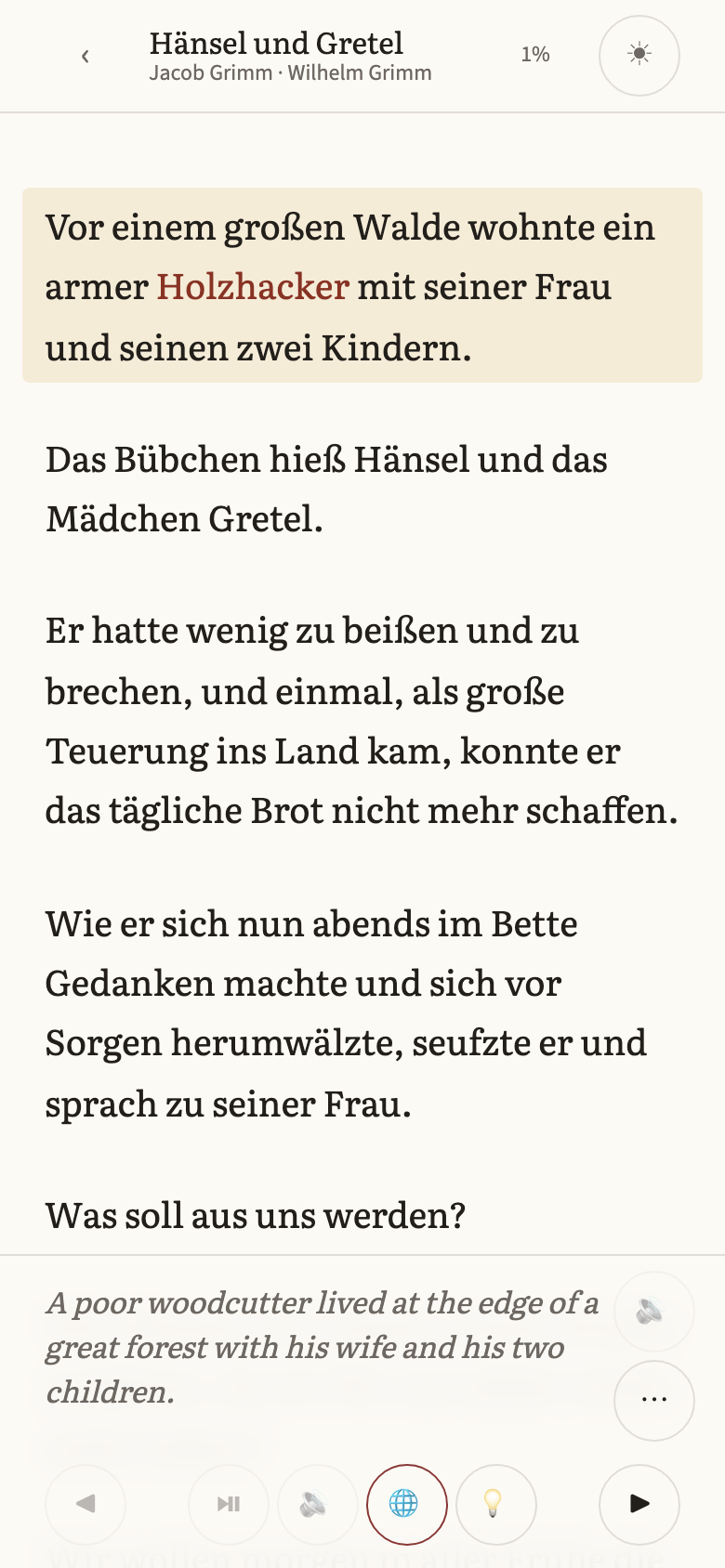
The page is the book’s own text. The sentence you are on is tinted; tap past the end of a sentence, or use the arrows, to move on. Your place is saved as you go.
Nothing is hidden and nothing is simplified. Read at whatever pace the text allows.
- Step 4
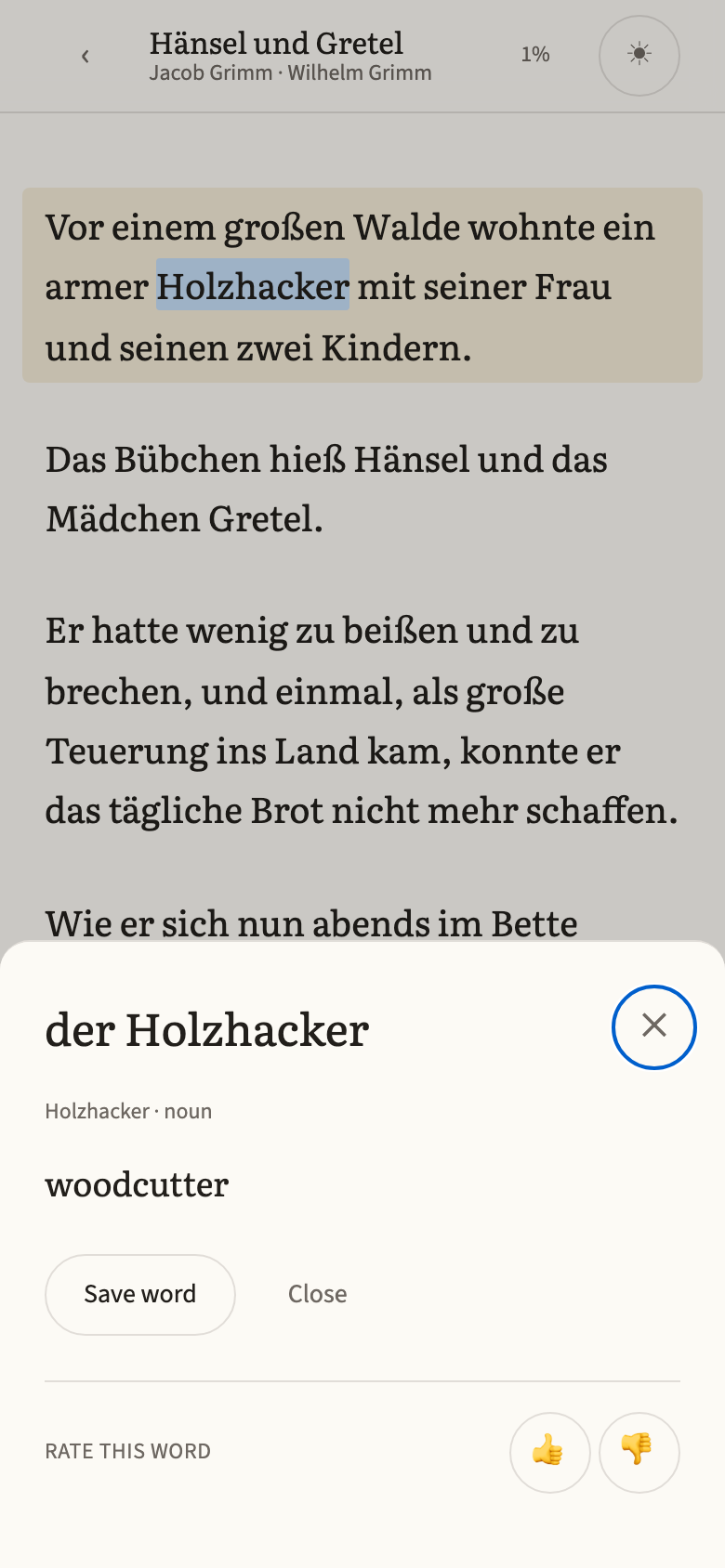
Tap any word
Tap a word and a card opens with what it means here, in this sentence, not the first dictionary entry. Save it with one tap, and it is tinted in the text from then on: red while you are learning it, green once you know it.
- Step 5
Check the translation, ask for the grammar, listen
The translation is one tap away, and one tap hides it again, so you can try the sentence first and check yourself after.
Next to it, the explanation opens a short note on whatever the sentence is doing: the case, the tense, the idiom, the word order. It is written for the sentence in front of you, not copied from a grammar book.
And every prepared sentence has native audio. Press once to hear it, or start autoplay and let the book read itself to you, one sentence at a time.
- Step 6
Review your words
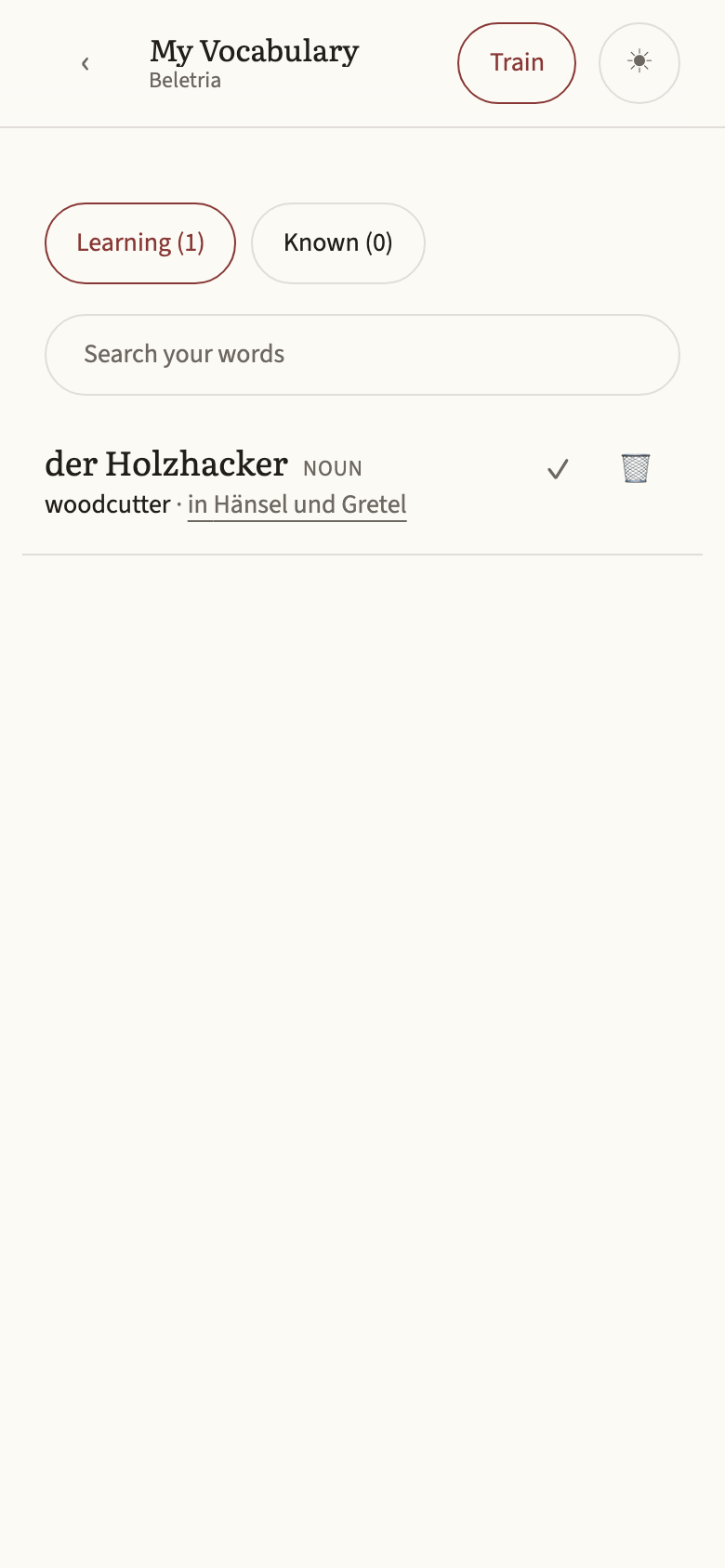
Your saved words live in one place, each with the sentence you found it in. Search them, train with flip cards and rate how sure you were, or mark the ones you already know.
Words you know count towards the coverage shown on each book, so the shelf learns with you.
That is all of it
The rest is reading. Pick a short book first; a fairy tale is a hundred sentences and a real, complete story.
Open the app